Remote Family Tech Support Setup: Screen Sharing, Location Sharing & Family Help System for SeniorsA multi-section caregiving document with specific steps, timelines, and recommendations — built from your answers
Implement a RACI matrix to assign family roles (Responsible, Accountable, Consulted, Informed) for tech support. Use TeamViewer Quick-Connect with PINs for instant screen access and Google Maps location sharing. Deploy plain-language troubleshooting flows for email and password issues to ensure consistent help.
See what a blueprint looks like
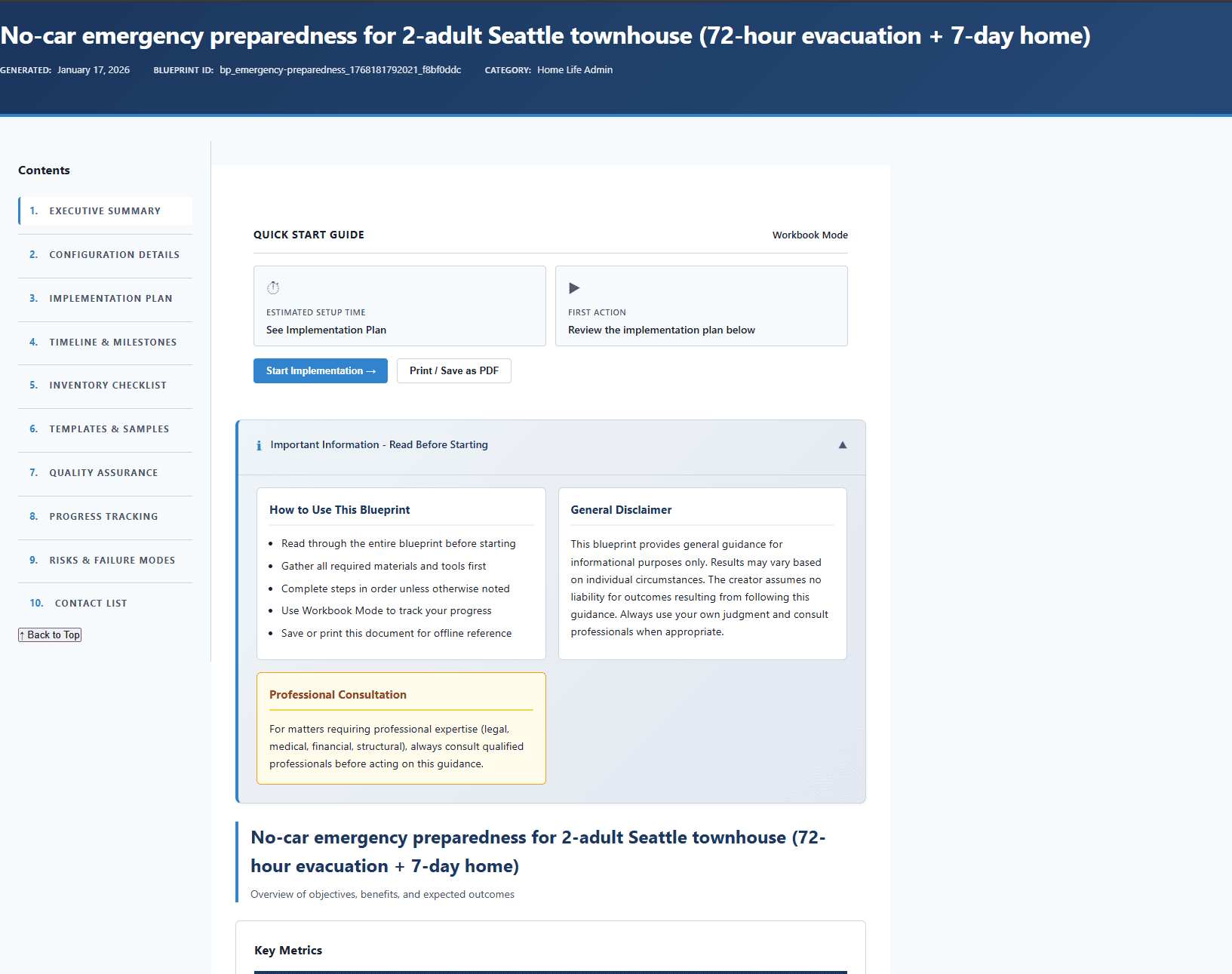
Here's a preview of the layout, sections, and level of detail you'll receive:
What's inside your blueprint
Each section is generated from your inputs, so it stays specific to your goals and constraints.
Important: This Is an Organizational Tool, Not Medical Care
Clear scope boundaries so caregivers understand what this guide does and does not cover
Care Recipient Information
Have all critical care information in one place
Care Schedule & Responsibilities
Know who does what and when — no ambiguity
Caregiver Self-Care & Support
Protect caregiver health and prevent burnout
Family Communication & Coordination Plan
Keep all family members informed and aligned to prevent conflicts
Emergency Protocols & Decision Guide
Know exactly what to do in a medical emergency — no panic-driven guessing
Legal & Financial Documentation Checklist
Ensure all legal and financial documents are in order before a crisis
Professional Resources & Services Directory
Know what professional services are available and how to access them
◆ Core section · ◇ Supporting section — sections may vary based on your category and inputs
How it works
Answer questions about your situation
Provide your goals, constraints, timeline, and preferences through a focused questionnaire.
AI builds your document
Your answers are used to generate a multi-section blueprint with concrete recommendations, timelines, and next steps in about 15-20 minutes.
Review, edit, and download
Read online, edit sections directly on the site, save your changes, and download the final PDF. 1 free AI refinement is included, and extra refinements are only $0.99 each from your balance.
Why a customized blueprint?
Why not just use ChatGPT?
General AI tools give a single response with no defined structure. A blueprint uses a topic-specific framework to produce organized sections you can follow — not a thread you have to interpret.
Your inputs shape every section
The questionnaire captures your goals, timeline, constraints, and preferences. Those details feed directly into each section — not bolted-on personalization after the fact.
A framework behind each topic
Every blueprint type has a defined section structure designed for that specific goal. You get the sections that matter for your situation, in a sequence that makes sense.
Steps you can start today
Concrete next steps, realistic timelines, and specific recommendations — not vague guidance you still need to figure out how to apply.
About ClearBlueprints: ClearBlueprints is a focused tool for structured, one-time documents. We design topic-specific frameworks, pair them with AI generation, and deliver a single finished output — no account required, no ongoing cost.
Important: This caregiving guidance is for informational purposes only. It is not medical, legal, or professional caregiving advice. Consult healthcare providers, elder law attorneys, and certified caregiving professionals for personalized guidance. Care needs vary significantly by individual.
Get your Family Remote Tech Support
1 free AI refinement included — adjust your inputs and get a fresh version at no extra cost. Additional refinements are $0.99 each from your balance.
About the Remote Family Tech Support Setup: Screen Sharing, Location Sharing & Family Help System for Seniors blueprint
What is the Remote Family Tech Support Setup: Screen Sharing, Location Sharing & Family Help System for Seniors?
The Remote Family Tech Support Setup: Screen Sharing, Location Sharing & Family Help System for Seniors is an AI-generated, personalized family & caregiving blueprint created by ClearBlueprints. Unlike generic templates, this blueprint adapts to your specific situation, goals, and constraints — producing a structured document with clear sections, actionable steps, and tailored recommendations.
Each remote family tech support setup: screen sharing, location sharing & family help system for seniors blueprint is unique. The AI considers the details you provide during the input process and generates a comprehensive family & caregiving blueprint that you can follow immediately or adapt over time.
Who is this family & caregiving blueprint for?
- ·Anyone looking for a structured, personalized family & caregiving blueprint
- ·People who want clear, actionable steps rather than vague advice about remote family tech
- ·Users who prefer a detailed blueprint they can download and reference over time
- ·Those who want an AI-powered family & caregiving document customized to their needs