Side-Hustle Launchpad: Evening & Weekend Schedule for Employed FoundersA multi-section productivity document with specific steps, timelines, and recommendations — built from your answers
This blueprint is for employed founders who need to systematically launch side projects alongside full-time work, using a structured 12-week cycle framework. It focuses on goal alignment through annual-to-weekly cascading and OKR-style weekly targets, with dedicated 90-minute deep work blocks to drive progress on entrepreneurial ventures.
See what a blueprint looks like
Here's a preview of the layout, sections, and level of detail you'll receive:
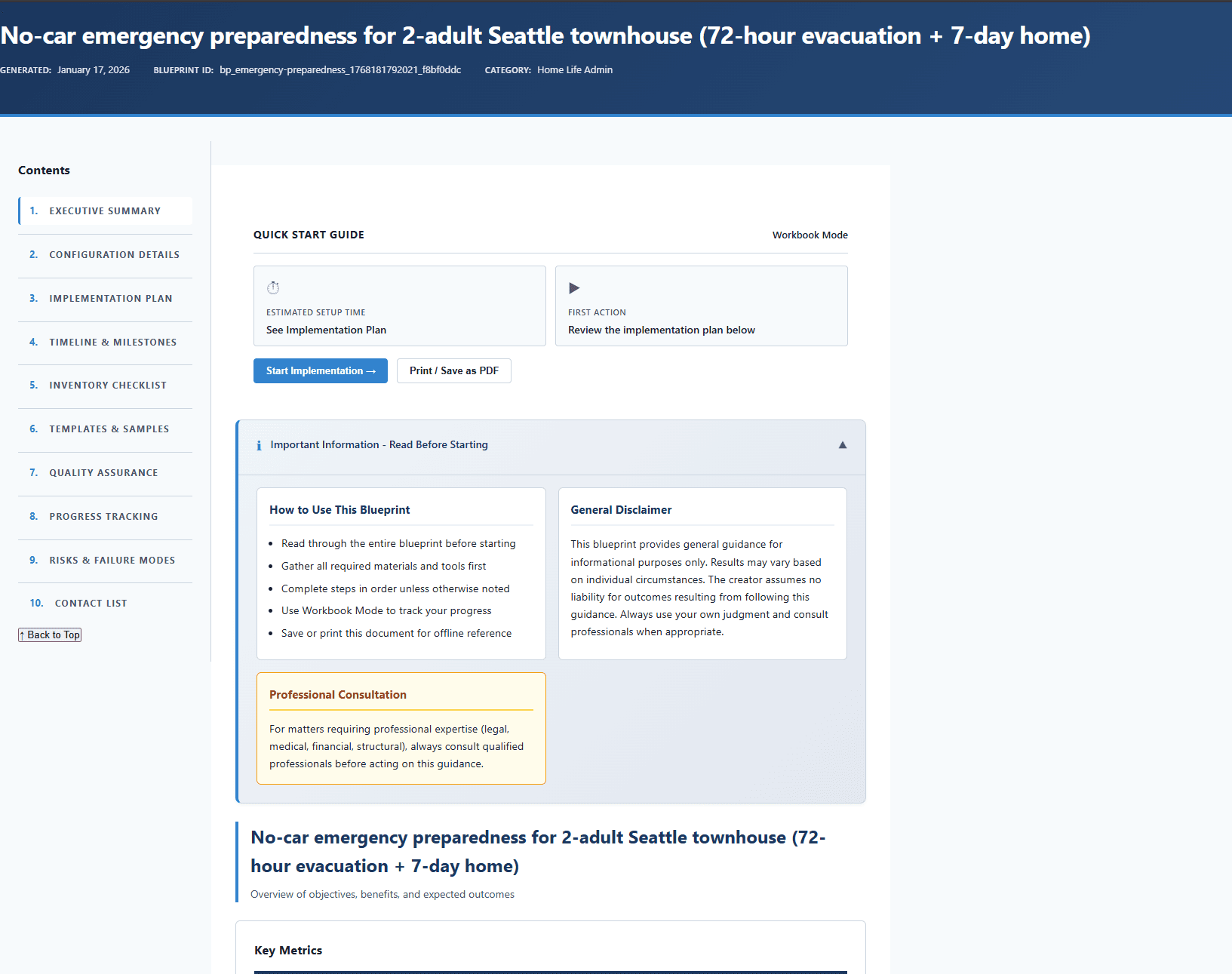
What's inside your blueprint
Each section is generated from your inputs, so it stays specific to your goals and constraints.
What This System Delivers
Understand what this productivity system will and won't do
Tool Selection Rationale
Understand why specific tools are recommended and alternatives
System Failure Recovery
Know exactly what to do when the system breaks down
Integration with Existing Workflow
Know how this connects to existing tools and processes
System Rules & Filters
Have exact rules to set up in email/task system today
Folder/Label Structure
Know exactly what folders/labels to create and why
Daily Routines & Rituals
Know exactly what to do when for optimal productivity
Item Processing Workflow
Know exactly how to process each email/task/item
◆ Core section · ◇ Supporting section — sections may vary based on your category and inputs
How it works
Answer questions about your situation
Provide your goals, constraints, timeline, and preferences through a focused questionnaire.
AI builds your document
Your answers are used to generate a multi-section blueprint with concrete recommendations, timelines, and next steps in about 15-20 minutes.
Review, edit, and download
Read online, edit sections directly on the site, save your changes, and download the final PDF. 1 free AI refinement is included, and extra refinements are only $0.99 each from your balance.
Why a customized blueprint?
Why not just use ChatGPT?
General AI tools give a single response with no defined structure. A blueprint uses a topic-specific framework to produce organized sections you can follow — not a thread you have to interpret.
Your inputs shape every section
The questionnaire captures your goals, timeline, constraints, and preferences. Those details feed directly into each section — not bolted-on personalization after the fact.
A framework behind each topic
Every blueprint type has a defined section structure designed for that specific goal. You get the sections that matter for your situation, in a sequence that makes sense.
Steps you can start today
Concrete next steps, realistic timelines, and specific recommendations — not vague guidance you still need to figure out how to apply.
About ClearBlueprints: ClearBlueprints is a focused tool for structured, one-time documents. We design topic-specific frameworks, pair them with AI generation, and deliver a single finished output — no account required, no ongoing cost.
Important: This productivity system is for informational purposes only. Implementation results may vary based on individual circumstances, tools, and work environment. Adapt recommendations to your specific situation and organizational policies. This is not a substitute for professional productivity coaching or workplace consulting.
Get your Side-Hustle Weekly Schedule
1 free AI refinement included — adjust your inputs and get a fresh version at no extra cost. Additional refinements are $0.99 each from your balance.